Security cameras have never been more affordable or more capable — but with hundreds of options on the market, choosing the right system for your Houston home or business can feel overwhelming. Do you go with wireless or wired? Cloud storage or local? Indoor cameras or outdoor? PTZ or fixed?
This guide cuts through the confusion and gives you a straightforward framework for selecting a camera system that actually fits your property, your budget, and your lifestyle.
Step 1: Assess Your Property's Coverage Needs
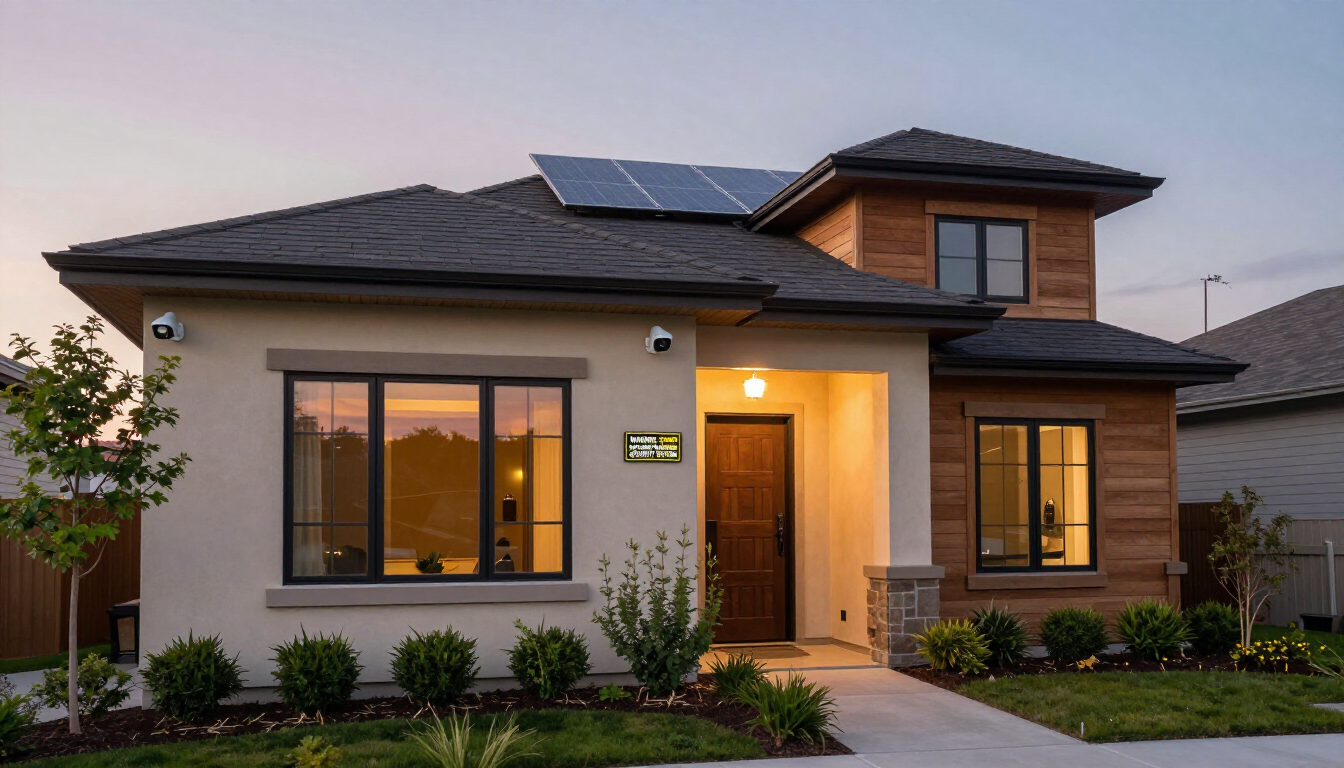
Before you buy a single camera, walk around your property and identify the key areas you want to monitor. For most Houston homes, the priority locations are:
Front door and porch (the #1 entry point for burglars and package thieves)
Driveway and garage (monitor arriving vehicles and prevent car break-ins)
Backyard and side gates (often used for discreet unauthorized entry)
Secondary entry doors and ground-floor windows
For commercial properties in Houston, add parking lots, loading docks, server rooms, and cash-handling areas to your list. The goal is complete perimeter coverage with no blind spots.
Step 2: Understand the Key Camera Types
Bullet Cameras
Long, cylindrical cameras ideal for outdoor use. They cover a fixed field of view and are highly visible — excellent for deterrence along driveways and fence lines.
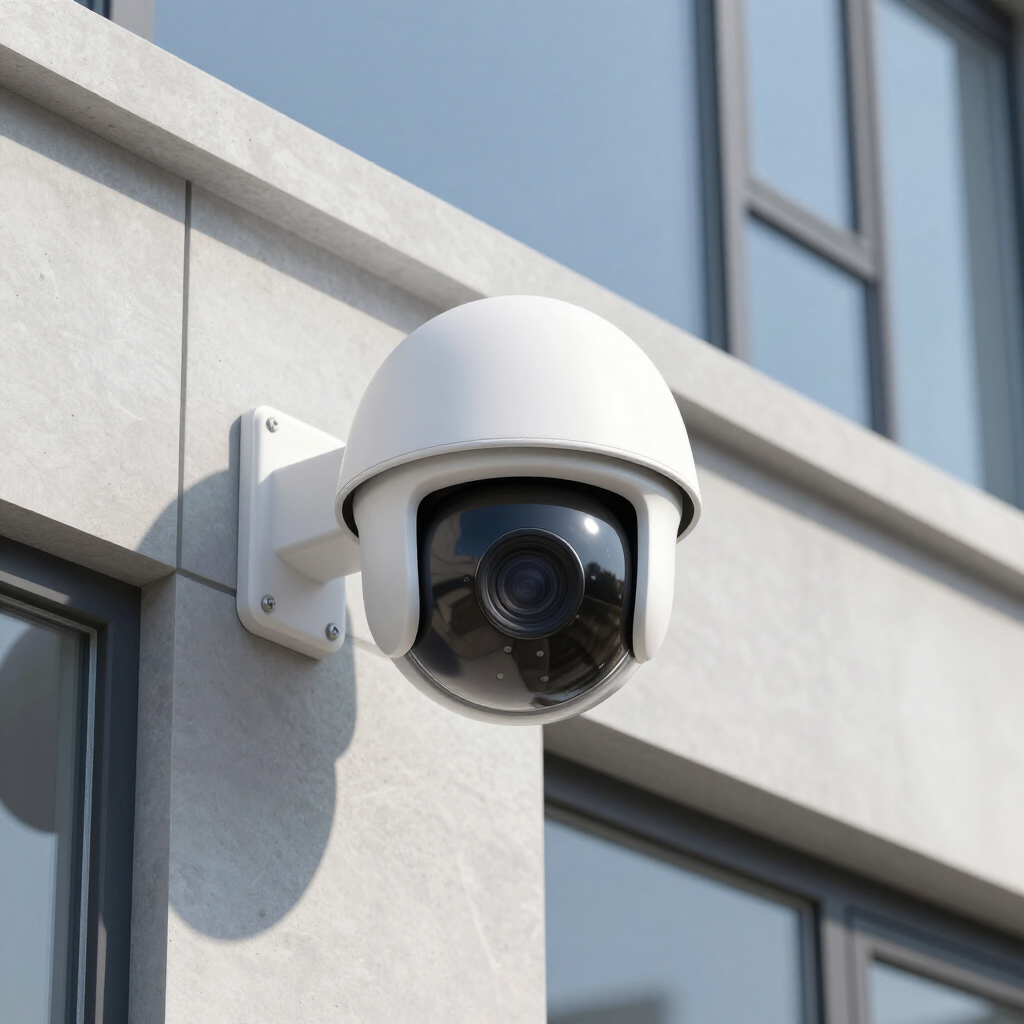
Dome Cameras
Vandal-resistant and discreet. Great for indoor commercial spaces and covered outdoor areas like patios and parking garages. Their dome housing makes it hard to tell which direction the lens is pointing, adding a psychological deterrent effect.
PTZ Cameras (Pan-Tilt-Zoom)
These motorized cameras can move to follow activity. Ideal for large parking lots, warehouses, and commercial properties where one camera needs to cover a wide, dynamic area. Many modern PTZ cameras include auto-tracking features.
Video Doorbells
A great entry-level option for homeowners. They combine a doorbell with a wide-angle camera and two-way audio. Easy to install and compatible with most smart home systems. Ideal as a supplement to a full camera system, not a replacement.
Step 3: Wired vs. Wireless Systems
Wired systems (using coaxial or Ethernet cables) are more reliable, less susceptible to interference, and generally preferred for commercial applications or larger properties. They require professional installation but offer consistent performance and no battery management.
Wireless systems are easier to install and more flexible for renters or homeowners who don't want to run cable. However, they depend on Wi-Fi connectivity and can be subject to signal interference. Battery-powered wireless cameras require regular charging.
For most Houston homeowners and businesses looking for long-term reliability, a professionally installed wired or hybrid system is the better investment.
Step 4: Resolution and Night Vision
Resolution matters most when you need to identify faces, license plates, or fine details. For most applications, 4MP to 8MP (4K) cameras provide an excellent balance of detail and storage efficiency. 1080p is still acceptable for indoor monitoring where subjects are close to the camera.
Night vision is non-negotiable for outdoor cameras in Houston. Look for cameras with infrared (IR) LEDs for pitch-black environments, or full-color night vision (powered by a strong white-light spotlight) if you want color footage after dark. Color night vision cameras are increasingly popular for driveway and parking lot coverage.
Step 5: Storage — Cloud vs. Local Recording
Cloud storage means your footage is saved to remote servers, accessible from anywhere and protected if the camera is stolen. Most cloud plans charge a monthly fee. Local storage uses a DVR, NVR, or SD card on-site — no ongoing fees, but footage could be lost if a device is stolen or damaged.
The best solution for most Houston properties is a hybrid approach: a local NVR or DVR for high-volume continuous recording, plus cloud backup of key events and motion clips. This gives you redundancy without excessive monthly costs.
Step 6: Weather Resistance for Houston's Climate
Houston's heat, humidity, and storm season put real stress on outdoor equipment. Always check the IP rating on outdoor cameras — look for IP66 or IP67 at minimum. These ratings certify that the camera is dust-tight and can withstand heavy rain. Avoid cheap cameras with no IP rating for outdoor installation in the Houston area.
Step 7: Work with a Professional Installer
DIY camera systems can work well for basic needs, but a professional installer brings expertise in camera placement, cable management, network configuration, and ongoing support. They can identify blind spots you might miss, ensure cameras are mounted at the right angles and heights, and integrate your camera system with your alarm, access control, or smart home platform.